

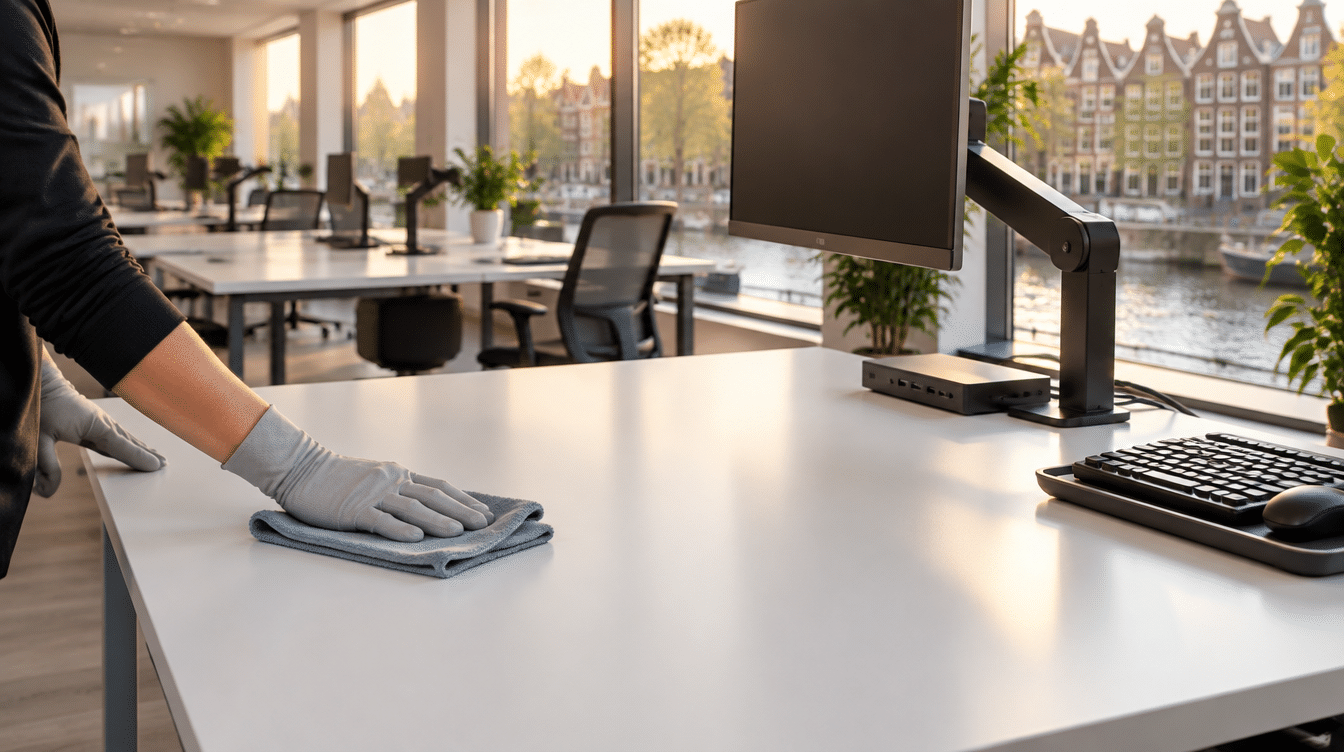
cleaners can only properly clean what’s clear. If a desk is covered in papers, a laptop and a mug, it usually gets skipped. Agree that desks are cleared at the end of the day. Ask staff to clean their own keyboard, mouse and headset, and put in writing what your cleaner does at each desk.
The office looks fine. The bins are empty, the floors are done and the kitchen has been wiped down. Then you sit at your desk and notice the crumbs between the keys and a coffee ring from last week. Your cleaner hasn’t cut corners. The desk is simply the part of the office nobody agreed on.
Why office cleaning often skips the desks
A desk is the one spot in the office that belongs to one person. It holds things a cleaner shouldn’t move: documents, an open laptop, chargers, personal items. Anything that isn’t clear usually doesn’t get wiped.
Desks are also rarely named in cleaning agreements. The scope says “dust all surfaces”, but no one has discussed whether that includes a cluttered desk. So the cleaner plays it safe and leaves it.
You won’t notice straight away. After a few weeks, though, there’s a grey film around the keyboard and sticky patches near the mouse. They’re the exact spots everyone touches all day.
Keyboards and headsets are your team’s job, not the cleaner’s
We wouldn’t make desk electronics part of the cleaner’s job. A keyboard needs switching off, a laptop needs closing and a headset is personal. A cleaner working in the evening has no way of knowing whether someone left a file open or an update running.
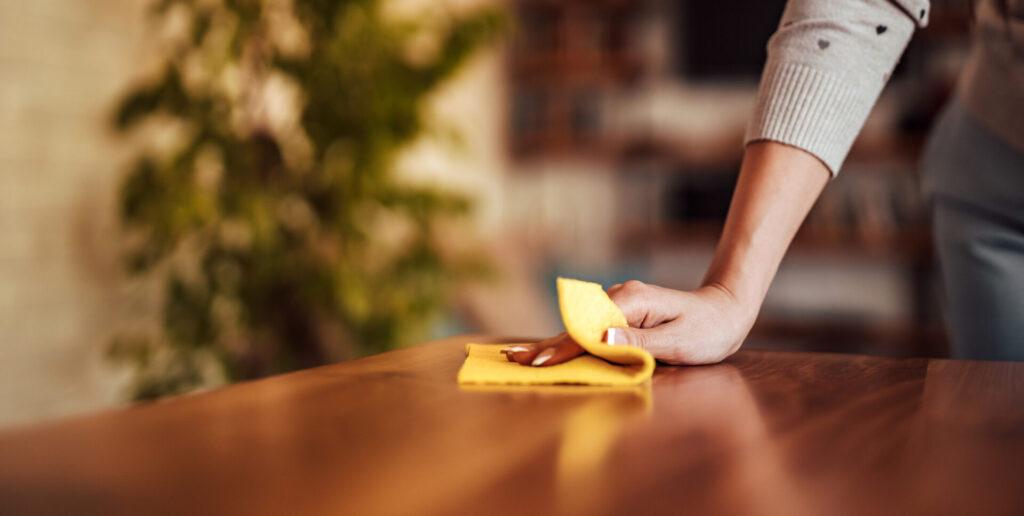
The clear desk surface is a different matter. That belongs with the cleaner. It’s a simple split: whatever you touch and take with you, you clean. Whatever stays put and is clear, the cleaner handles.
Make it easy by keeping electronics-safe wipes by the printer or in the kitchen. It then takes each person a few minutes a week.
How to clean a keyboard at your desk in four steps
Cleaning a keyboard is quickest with a set routine. Manufacturers and retailers give the same basic rule: never wet.
- Switch it off. Unplug it, or take the batteries out of a wireless keyboard. Shut a laptop down completely.
- Shake it out. Turn the keyboard upside down and tap it gently. Use compressed air or a small vacuum for crumbs between the keys.
- Wipe it. Use a well wrung-out cloth or an electronics wipe. Drips of water can damage the keyboard.
- Let it dry. Only plug it back in once everything is dry. Don’t prise off laptop keys; they’re not designed to come off.
Do the mouse and headset at the same time. The whole thing takes a few minutes.
A clean desk policy that helps your cleaner too
A clean desk policy is an agreement that everyone leaves their desk clear at the end of the day. Most companies bring one in to protect information. The Dutch Chamber of Commerce (KVK), for example, advises putting confidential papers away after use and wiping whiteboards after meetings.
The same rule works just as well for cleaning. A clear desk can be wiped in one go; a cluttered one can’t. And nobody has to worry about a cleaner working around their paperwork in the evening.
Keep the policy short, or people won’t follow it:
- Papers go in a drawer or cabinet.
- Laptops go home or into a locker.
- Mugs and plates go back to the kitchen.
- Loose cables go in a tray.
Office cleaning checklist: who handles what at each desk
The confusion disappears once it’s written down. This split works for most offices. Adjust how often things happen to how busy your office is.
| Task | Who | How often (guide) |
|---|---|---|
| Wipe the clear desk surface | Cleaner | Every clean |
| Empty the desk bin | Cleaner | Every clean |
| Floor under and around the desk | Cleaner | Every clean |
| Door handles and light switches | Cleaner | Every clean |
| Keyboard, mouse and headset | Staff member | Weekly |
| Monitor screen | Staff member | When it’s smudged |
| Clear the desk before cleaning | Staff member | End of every day |
| Wipe and vacuum the office chair | To be agreed | Every few months |
Discuss that last row upfront. Whether chairs are included depends on what you agree and how much time you book.
Hot desks and hygiene in the workplace
With hot desking, every desk belongs to everyone, which means it belongs to no one. That makes the split above more important, not less. Whoever sits down in the morning doesn’t know who sat there yesterday.
So make it easy to leave a desk clean. Put wipes on each hot desk or at the end of each row. Agree that people leave their spot clear and wiped. Shared keyboards and mice get a quick wipe at the end of the day.
If people bring their own laptop and headset, it’s even simpler. Only the monitor and docking station stay on the desk.
Want office cleaning that works around your desk rules?
With office cleaning from EasyClean, we dust all surfaces and wipe high-touch points such as door handles and light switches. We empty the bins, clean the kitchen and break area, including the microwave, fridge and coffee maker, and clean and sanitise the toilets. We agree with you upfront how the desks fit in.
We can clean in the evenings or at weekends, so your team isn’t disturbed during working hours. A small office usually needs one cleaner; a larger space gets a team. Every cleaner is insured and carries ID in our app, and a uniform is available on request. You pay per cleaner per hour, with no hidden fees.
See what’s included in our office cleaning, or get a quote. For other types of workspace, see our commercial cleaning services.
FAQ
How do I clean keyboard keys?
Unplug the keyboard first. Wipe the tops of the keys with a well wrung-out cloth or an electronics wipe, and use compressed air for the gaps in between. If a separate keyboard has removable keycaps, you can take them off for a deeper clean. Take a photo first so you know where they go back.
How do I clean a monitor screen?
Switch the screen off and let it cool. Wipe it with a dry microfibre cloth. If marks remain, use a slightly damp cloth, and never spray anything directly onto the screen. Check the manual for which products the manufacturer allows.
What is included in office cleaning?
It varies by provider and agreement. It usually covers floors, bins, kitchens, toilets, meeting rooms and dusting surfaces. Desks, electronics and office chairs are often not named separately, so ask how they’re handled before you sign.
What is a clean workplace policy?
It’s a set of agreements about keeping shared spaces and desks tidy and hygienic. A clean desk policy is one part of it. Others might cover the kitchen, the fridge and meeting rooms, such as clearing up after a meeting.
How often should desks be cleaned?
A clear desk can be wiped at every scheduled clean. Keyboards, mice and headsets are worth cleaning weekly, and shared hot desk equipment daily. In busy offices, or during flu season, you might choose to do it more often.